DragPhysSVG:
Structured Particle Dynamics
for SVG Animation

Anonymous Authors

01 / ANIMATION RESULTS

Animation Results: Different Materials

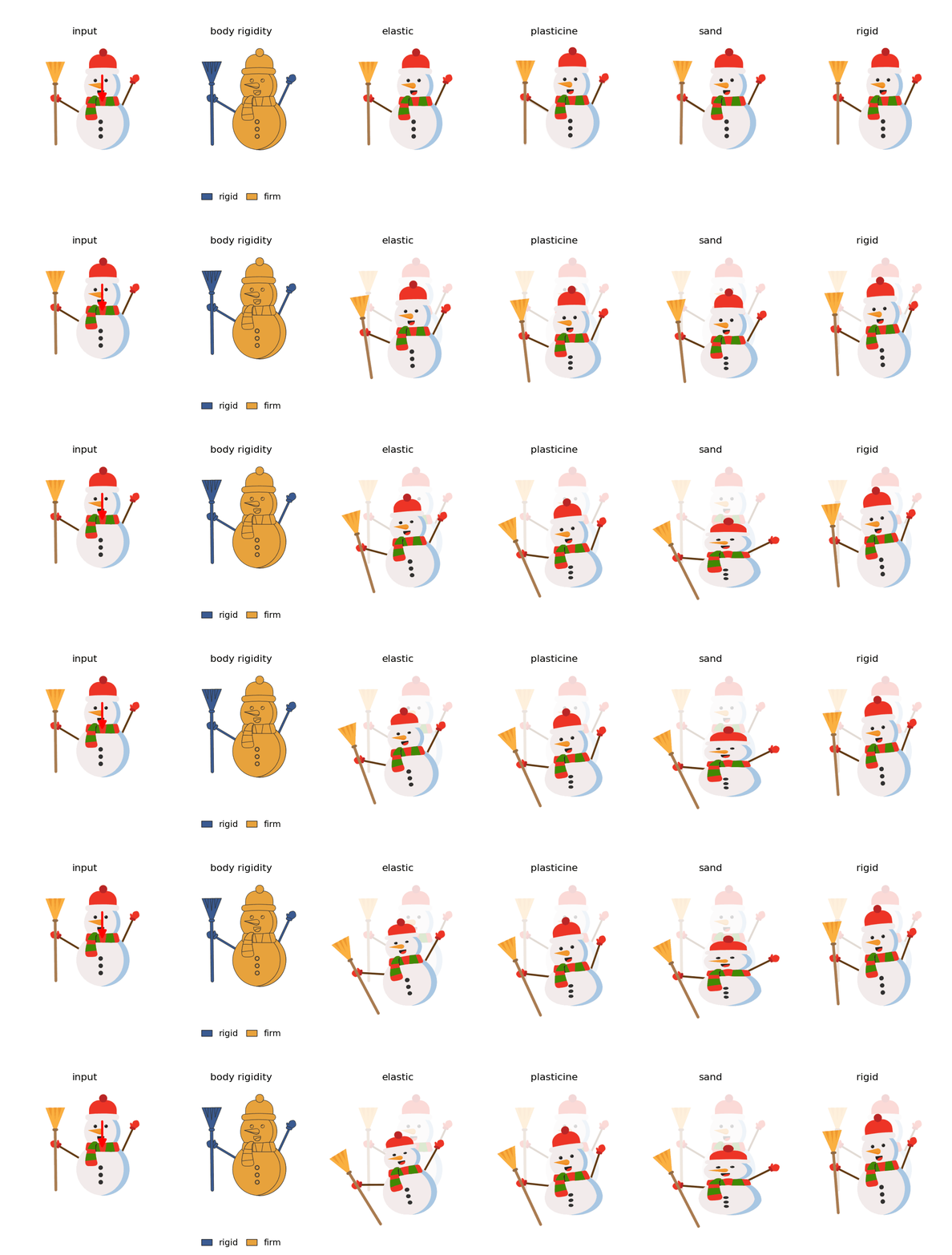
The same SVG objects are simulated using four material models (elastic, plasticine, sand, and rigid) under gravity with ground collisions.
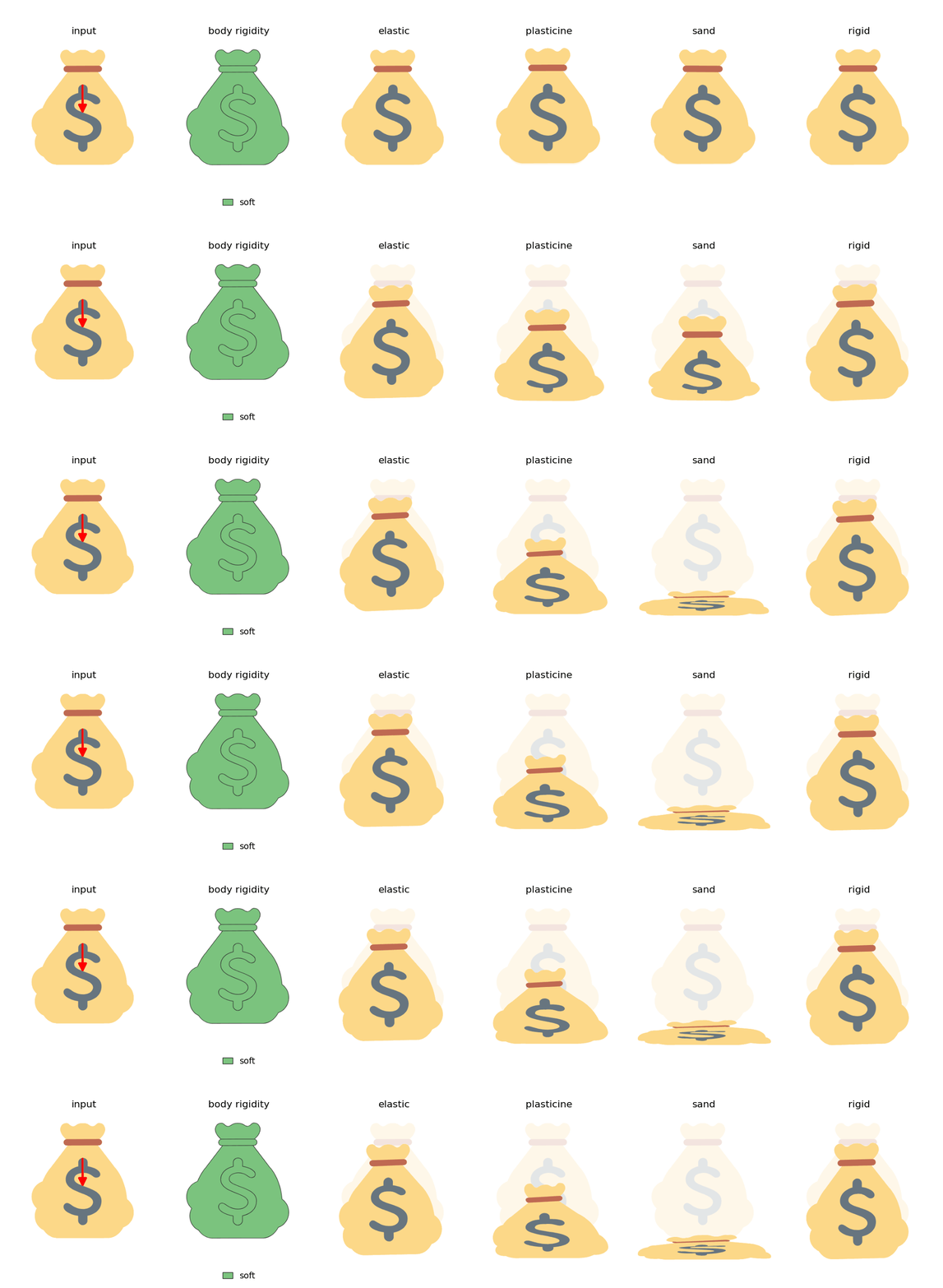

Money bag animation under gravity with ground collisions, comparing elastic, plasticine, sand, and rigid material models.
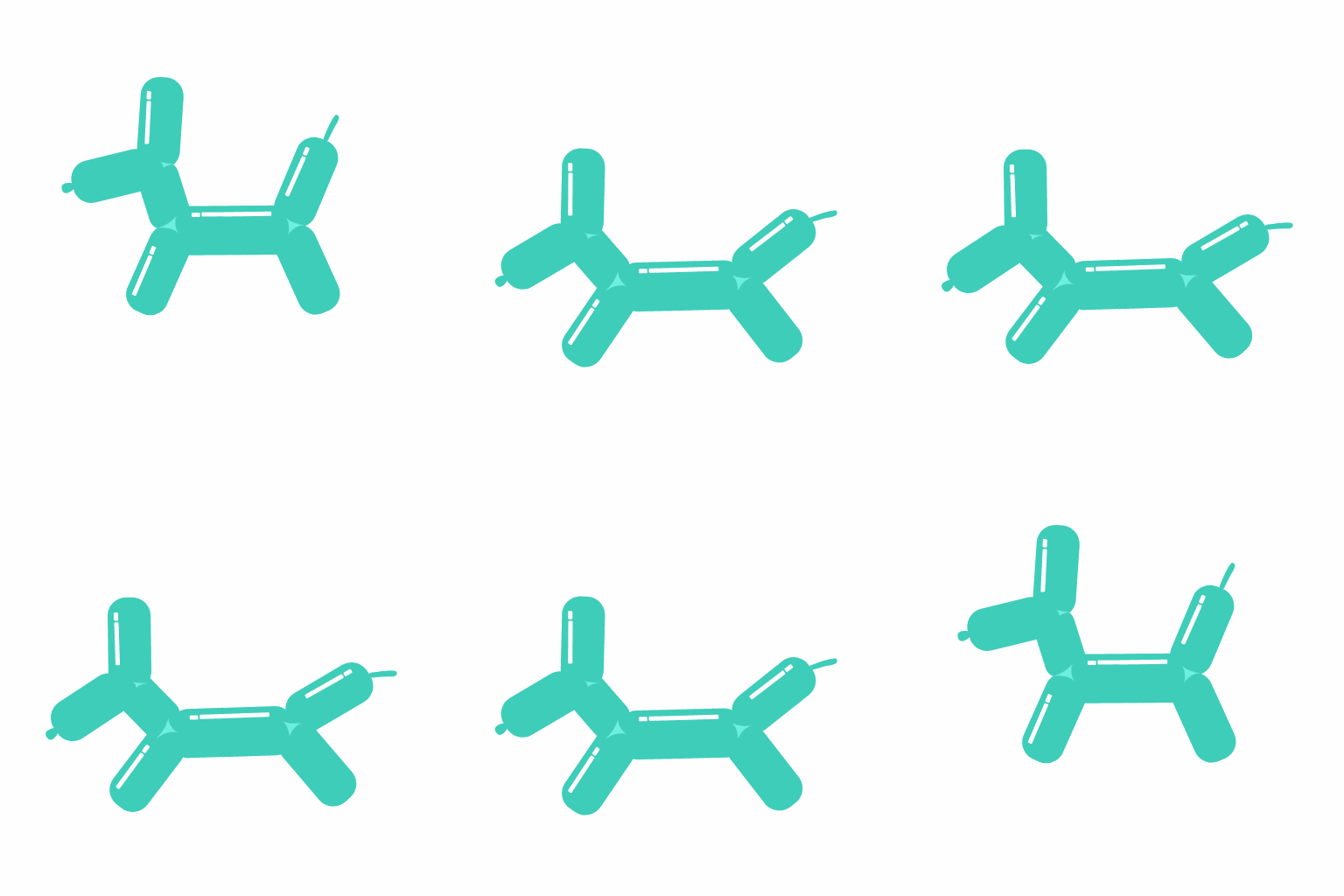
Balloon dog animation under gravity with ground collisions, comparing elastic, plasticine, sand, and rigid material models.
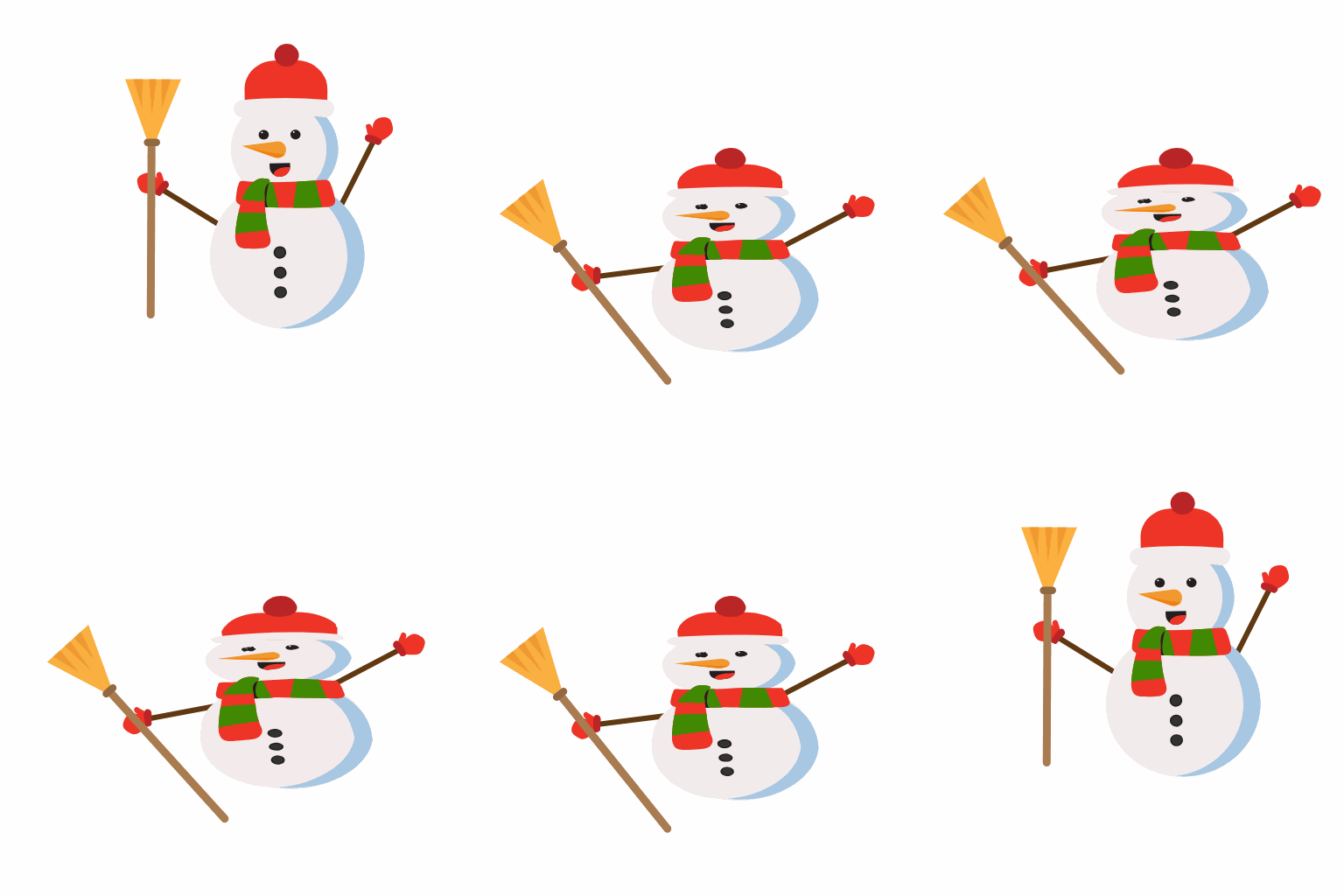
Snowman animation under gravity with ground collisions, comparing elastic, plasticine, sand, and rigid material models.

Swipe across each figure to view all materials.

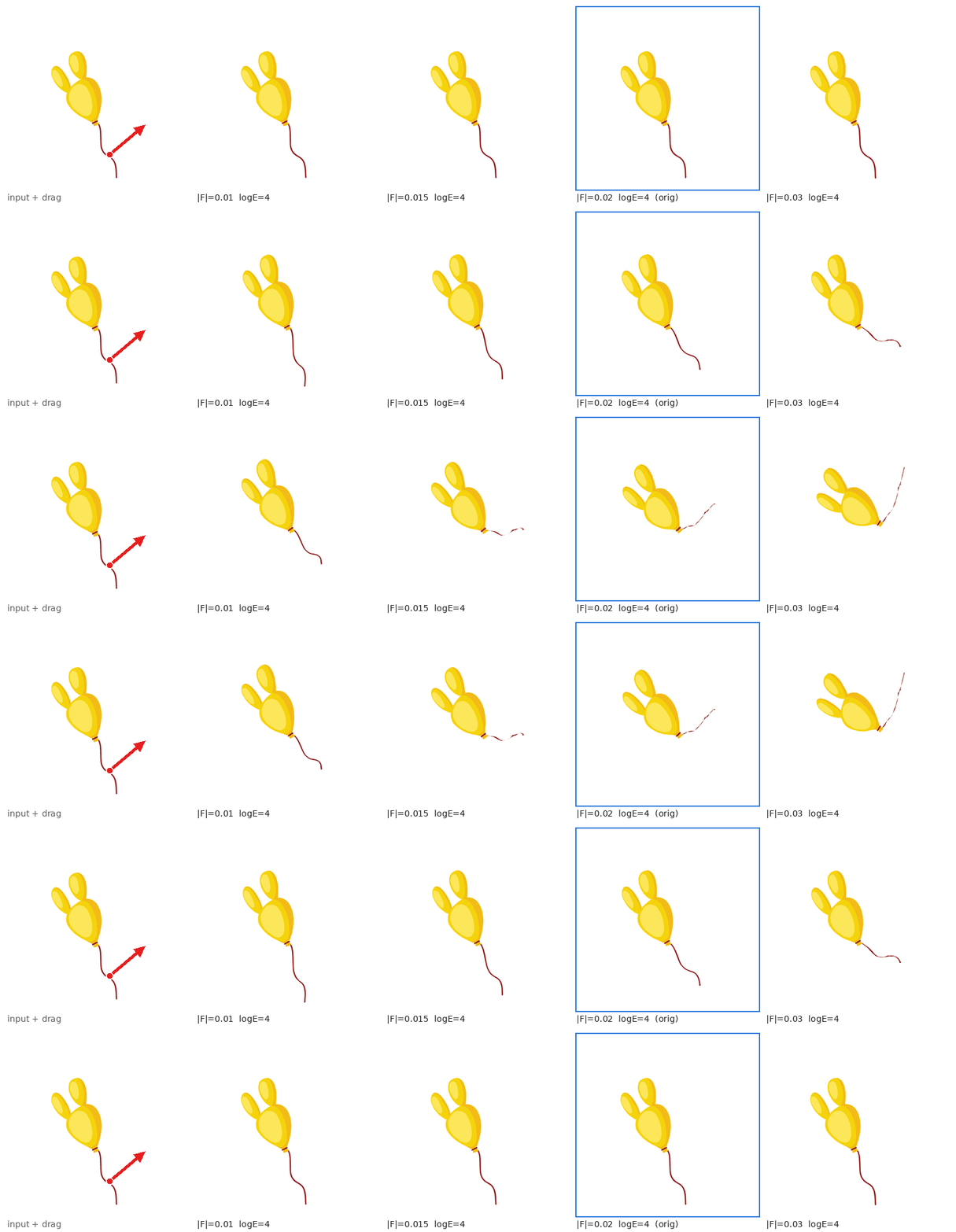
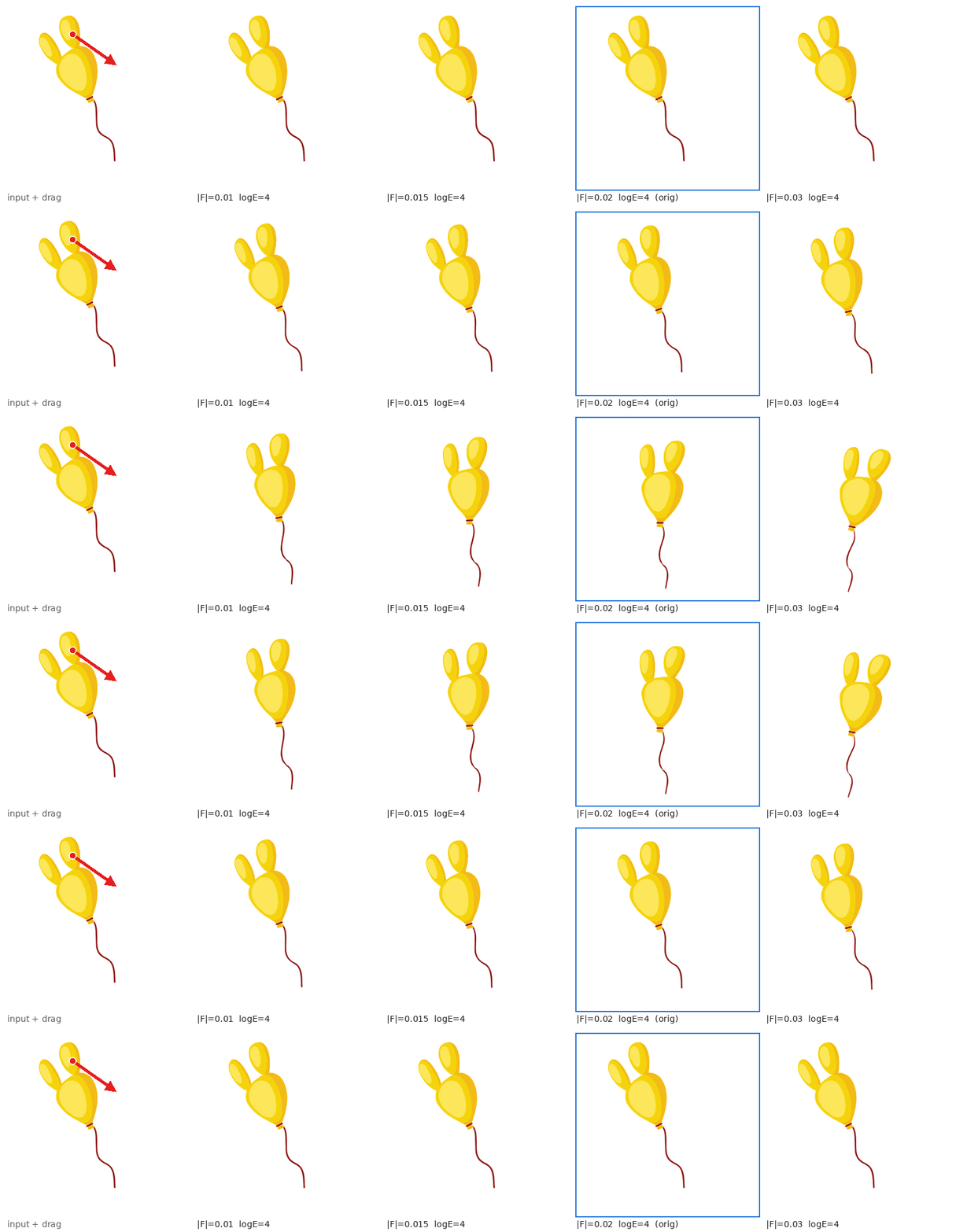
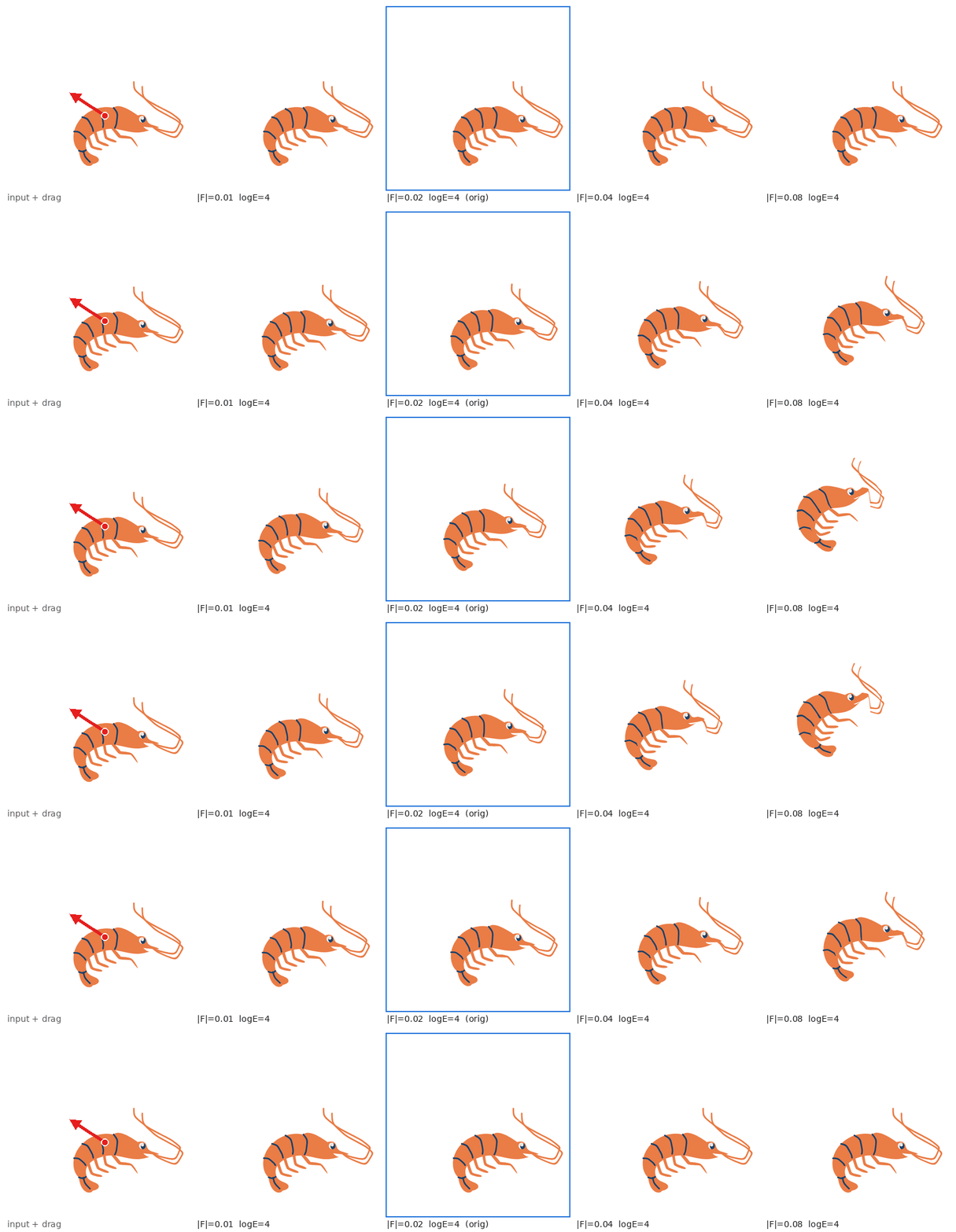
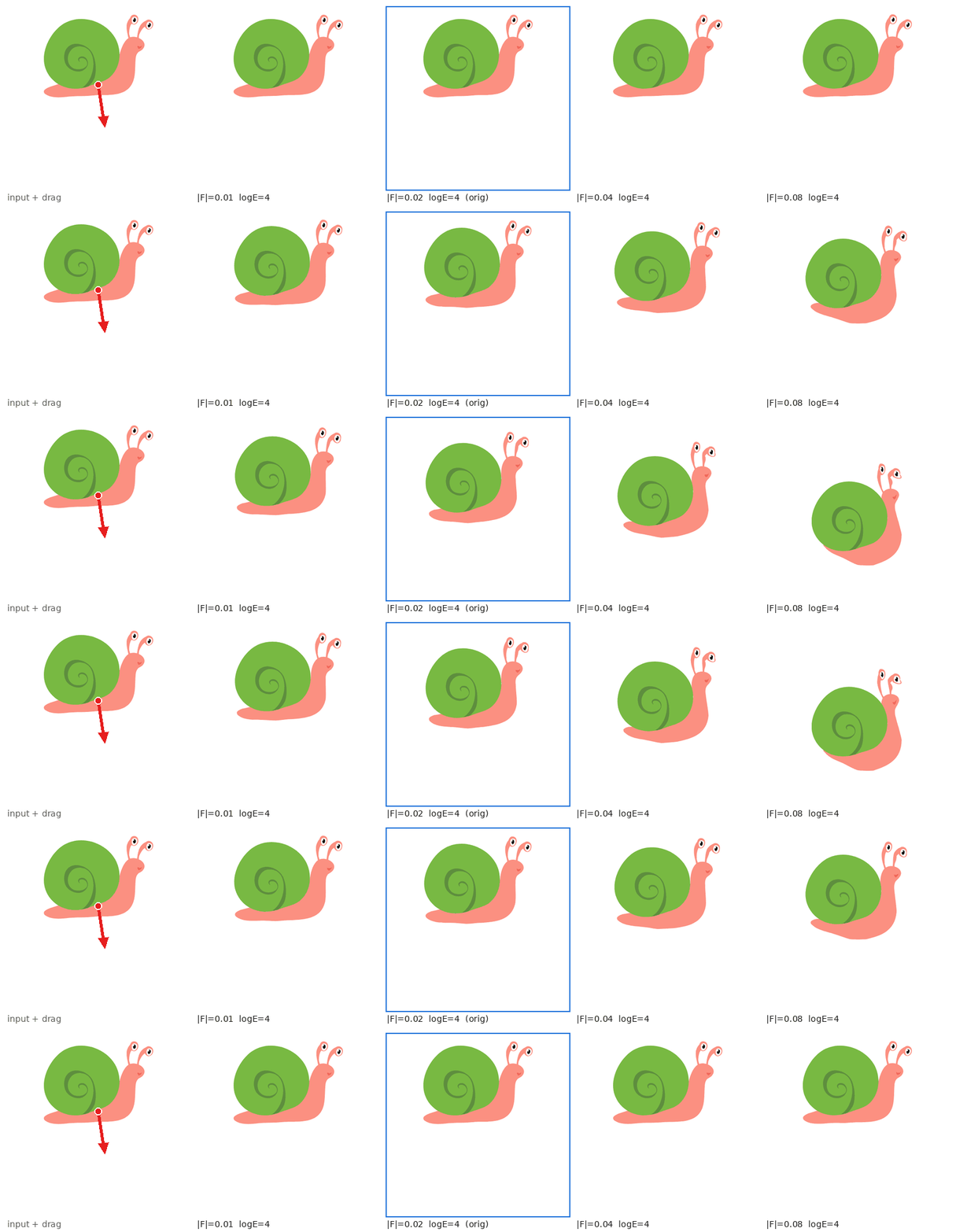
Animation Results: Diverse Force Directions and Magnitudes

Balloon: animation with varying force directions and magnitudes.
Balloon, second example: animation with varying force directions and magnitudes.
Shrimp: animation with varying force directions and magnitudes.
Snail: animation with varying force directions and magnitudes.

Animation Results: Ground Collisions

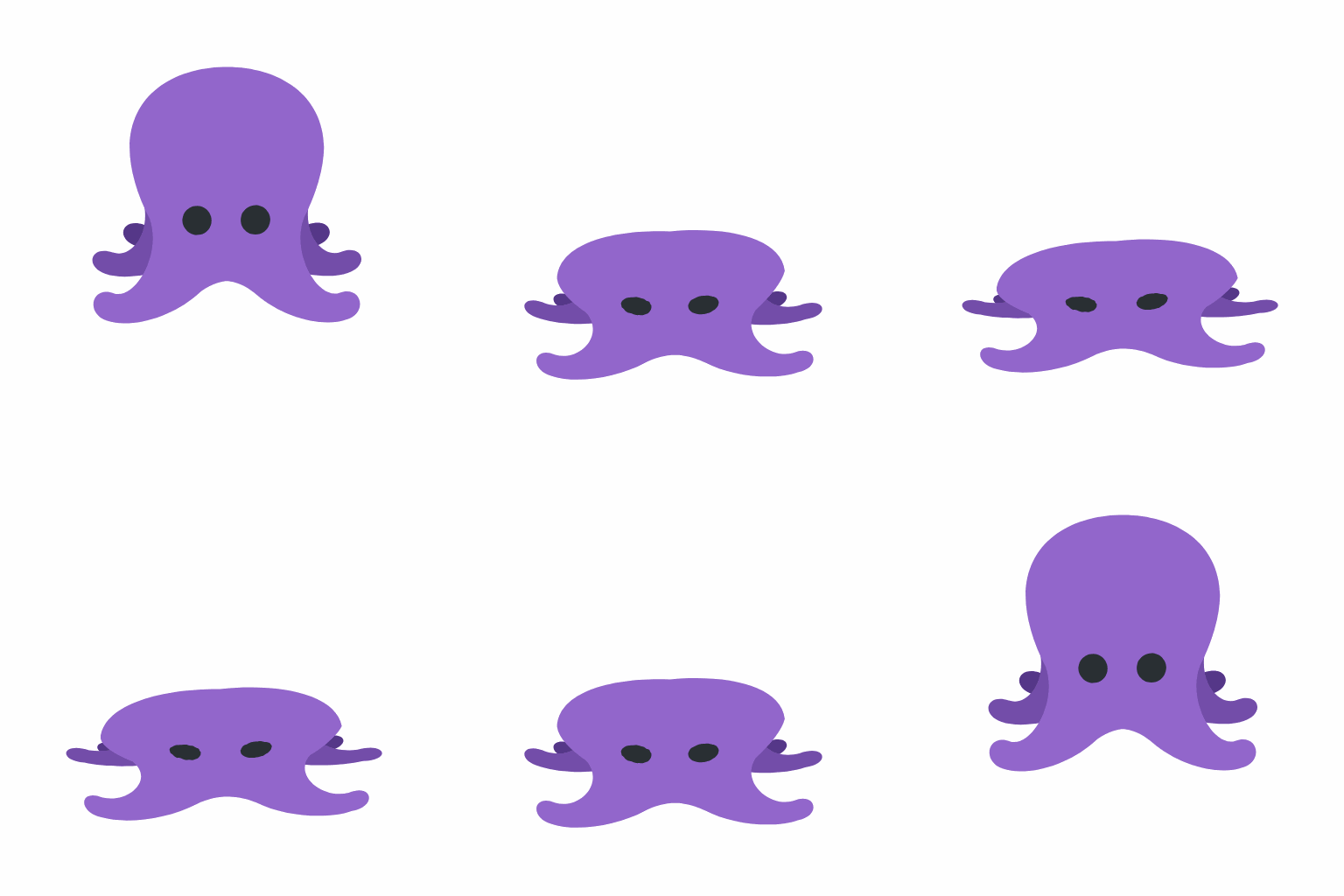
SVG objects are simulated using a sand material model under gravity with ground collisions.
Octopus animation under gravity using a sand material model.
Balloon dog animation under gravity using a sand material model.
Snowman animation under gravity using a sand material model.
02 / COMPARISONS

Comparison with Other Methods

We compare our method with PhysCtrl, Force Prompting, and AniClipart. PhysCtrl and Force Prompting generate videos, while our method and AniClipart generate SVG animations.


Kite animation comparison with a drag from the top.
Crab comparison: input with a drag from the right, ours, PhysCtrl, Force Prompting, and AniClipart.
Person with a white cane comparison: input with a drag from the left, ours, PhysCtrl, and Force Prompting.
Money bag comparison: input with a drag from the top, ours, PhysCtrl, and Force Prompting.
Person gesturing comparison: input with a drag from the left, ours, PhysCtrl, and Force Prompting.
Boxer comparison: input with a drag from the bottom, ours, PhysCtrl, Force Prompting, and AniClipart.
Turtle comparison: input with a drag from the bottom, ours, PhysCtrl, Force Prompting, and AniClipart.

Swipe across each figure to view all methods.

03 / ABLATION STUDY

Ablation Study

We compare our full method (λ = 0.25) with variants without guidance (λ = 0), without stiffness (all soft), and without the relation graph (global TPS).


Ablation comparison: input and drag, full method, without guidance, without stiffness, and without the relation graph.

Swipe across each figure to view all variants.

04 / GUIDANCE STRENGTH

Effect of Guidance Strength

We compare guidance strengths of 0 (vanilla), 0.25×, 0.5×, and 1×, with drags from the top, bottom, left, and right.
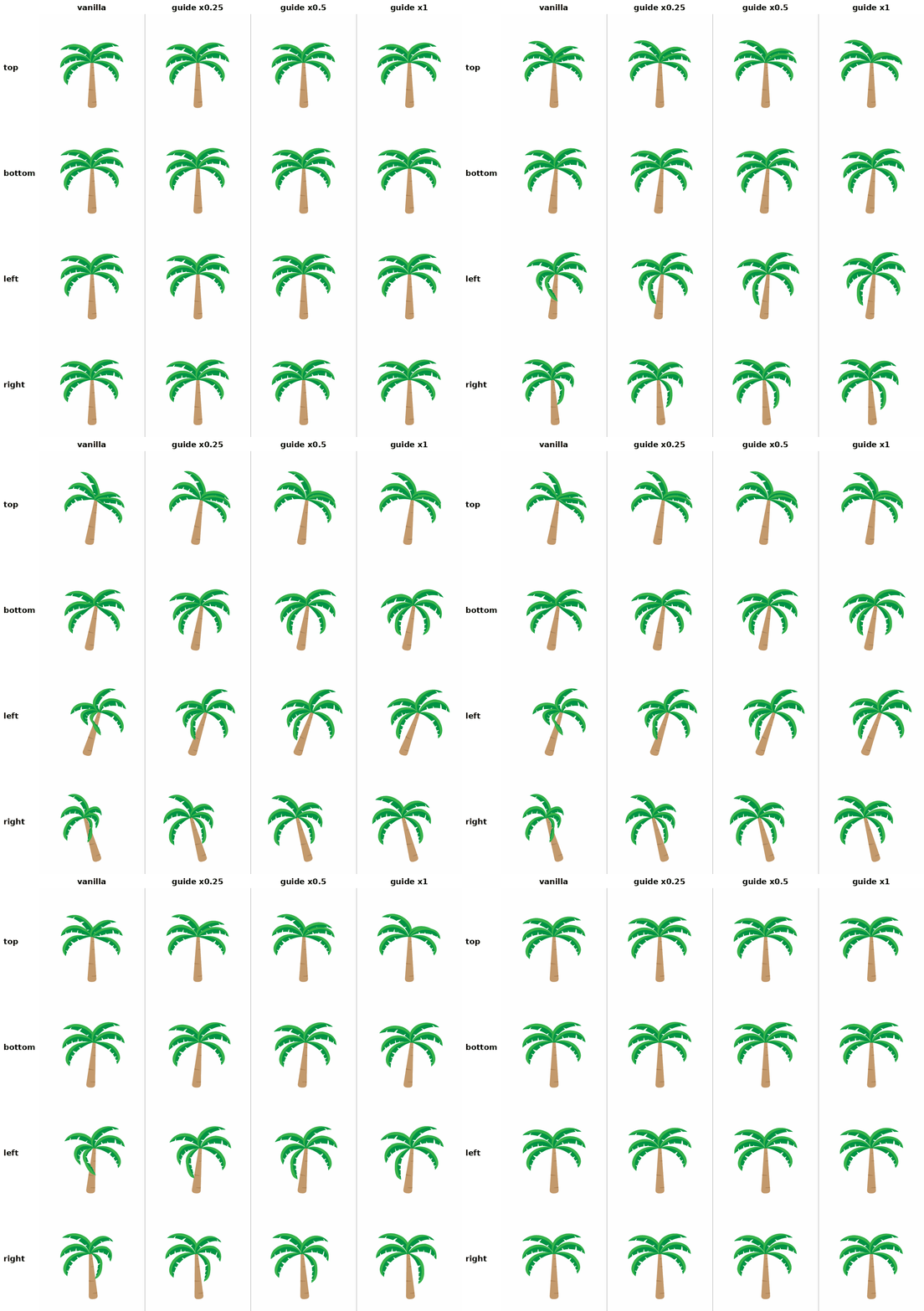
Palm tree animation grid. Columns: vanilla, guidance times 0.25, guidance times 0.5, and guidance times 1. Rows: top, bottom, left, and right.
Columns vary the guidance strength; rows vary the drag direction.

Swipe across the figure to view all guidance strengths.